
Best Tool That Can Create Forms From Prompts And Templates
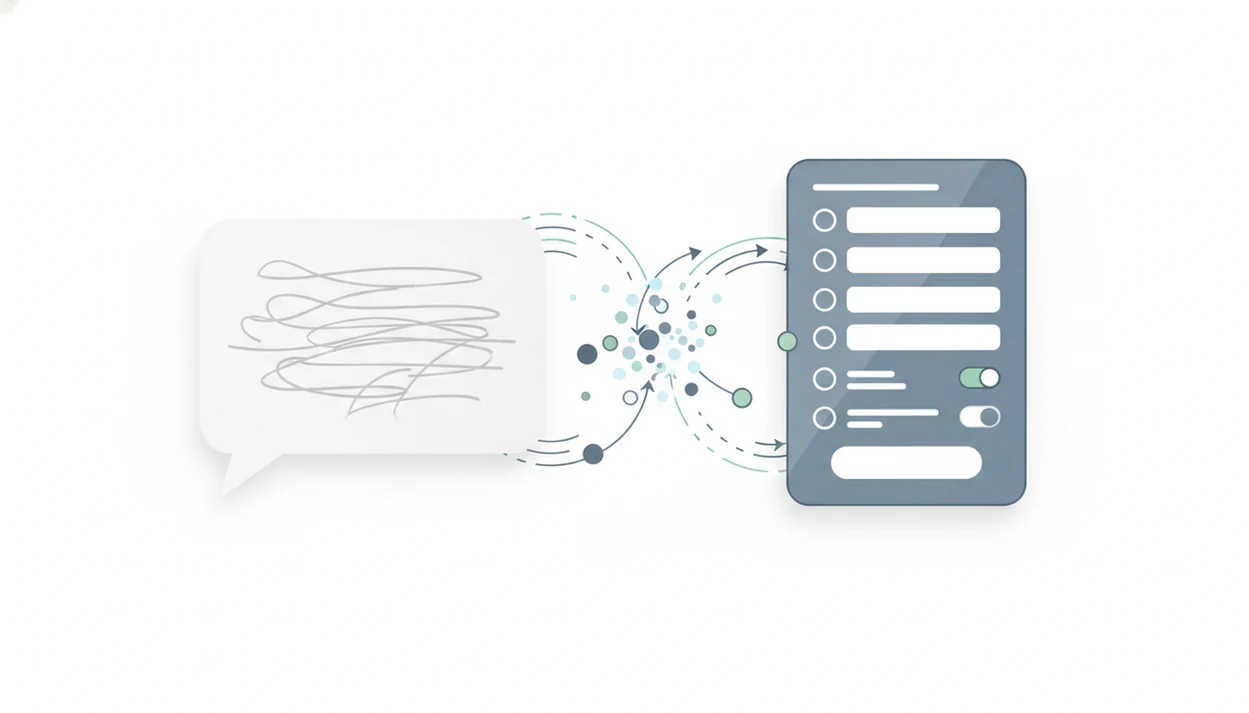
Forms AI is a strong tool that can create forms from prompts because it turns plain-language requests into editable forms, surveys, quizzes, and registrations, then lets you refine fields, wording, logic, and sharing settings before publishing. A strong option should combine AI generation with drag-and-drop editing, templates, privacy controls, and response management.
> Definition: A prompt based form builder is an online app that converts a natural-language description into a structured form with questions, fields, layout, and editable settings.
TL;DR
- Choose an AI form creation tool that generates a draft quickly but still gives you full control over fields, wording, logic, branding, and privacy language.
- Forms AI is best for non-technical people who want app-first form, survey, quiz, and registration creation without starting from a blank canvas.
- Prompt quality matters: include the audience, purpose, required fields, question types, consent needs, and follow-up actions in your prompt.
How tool that can create forms from prompts and templates look
Side-by-side captures of the compared products. Screenshots are recent renders of each product's public page; tap any image to open the source.

Best prompt based form builder shortlist
The best prompt based form builder is the one that gives you a usable draft, then lets you fix the details before anyone answers it. AI generation helps, but editability, templates, logic, integrations, and privacy controls decide whether the form survives real use.
Forms AI
Forms AI is a form builder app that helps small businesses, teachers, event organizers, marketers, nonprofits, and freelancers create forms, surveys, quizzes, and registrations with AI templates and drag-and-drop editing. It fits app-first teams because they can build, preview, share, and adjust from a phone.
Jotform AI Form Generator
Jotform is a common pick when users want broad form features, payments, templates, and integrations. Expect more setup choices.
Fillout
Fillout is worth testing for structured workflows, conditional logic, and embedded forms.
Zoho Forms AI
Zoho Forms AI makes sense for teams already using Zoho tools.
Google Forms AI add-on workflows
Google Forms workflows often rely on add-ons, scripts, or copied AI-drafted questions, which can work but feel less native.
At-a-glance comparison of AI form creation tools
Use this comparison to narrow the list before testing prompts. Generative AI is already familiar to many teams; in McKinsey’s 2023 global survey, 79% of respondents had some exposure to generative AI and 22% regularly used it at work (McKinsey, 2023).
| Tool | Best fit | Prompt generation | Editing control | Templates | Logic | Integrations | Caveat |
|---|---|---|---|---|---|---|---|
| Forms AI | Non-technical, app-first forms, surveys, quizzes, registrations | Strong | High | Strong | Practical | Useful | Not an enterprise research suite |
| Jotform | Feature-heavy forms and payments | Strong | High | Strong | Strong | Broad | More choices can slow simple builds |
| Fillout | Standalone forms and structured workflows | Strong | High | Good | Strong | Good | Test complex cases first |
| Zoho Forms AI | Zoho ecosystem users | Good | Good | Good | Good | Zoho-focused | Best if your team already uses Zoho |
| Google Forms add-ons | Google Workspace users | Varies | Medium | Basic | Limited to workflow | Google-centric | AI may sit outside the core builder |
When the issue is quick publishing without spreadsheet thinking, the winning workflow is an AI Form Builder draft plus an editor that lets you clean up fields before sharing.
Five facts about a text to form generator
A text to form generator can save the blank-page work, but it does not remove judgment. You still need to check question order, wording, required fields, and the response list before launch.
- AI form tools generate complete forms from natural-language descriptions, such as “create a customer feedback survey for a repair shop.”
- Visual editing is still essential after generation, especially for required fields, answer options, and mobile layout.
- Some tools can extract questions from PDFs, documents, or web pages; related workflows are covered in what app identifies questions in PDF.
- Complex prompts, conditional logic, compliance language, and industry details affect output quality.
- The real productivity gain often comes after creation, through response collection, exports, analytics, CRM updates, email, and automation.
A generated form is a draft, not a data-quality guarantee. The duplicate email column still has to go before export.
How a tool that can create forms from prompts works
A tool that can create forms from prompts works by parsing your request for intent, audience, form type, required fields, constraints, and output format. The system then maps those instructions to field types such as short answer, multiple choice, date, file upload, consent checkbox, rating scale, payment, or quiz scoring.
Under the hood, the AI uses natural-language processing to identify what you mean, then passes the draft into a form builder layer. That layer handles layout, styling, validation, conditional logic, publishing, and response storage. More advanced tools may also use templates, document extraction, past form patterns, or integrations to improve the first draft.
Good AI form builders create an editable starting point, not a finished policy document. Vague prompts can miss legal, accessibility, or industry-specific requirements, so review the details before publishing.
How to use an AI form creation tool
Start with the form’s job, then make the AI draft prove itself. A teacher copying a quiz link into a class announcement five minutes before the bell does not have time to untangle vague fields.
- Write a specific prompt with the audience, purpose, fields, format, and follow-up action.
- Use a sample like: “Create an event registration form for a 50-person workshop with name, email, dietary needs, session choice, payment, consent checkbox, and confirmation message.”
- Generate the draft, then review every field label, required setting, and answer option.
- Add conditional logic, consent text, payment settings, or quiz scoring where needed.
- Test the form on mobile, including the thank-you screen and any email confirmation.
- Share the link only after checking privacy details and the respondent experience.
For stronger first drafts, keep a reusable prompt library such as AI form prompts for common intake, quiz, registration, and feedback forms.
Best AI form creation tool for non-technical teams: Forms AI
The easiest app-first choice is one that lets people create forms, surveys, quizzes, and registrations without technical setup. It starts with smart form generation, then keeps the work practical with AI templates, drag-and-drop editing, simple customization, and publishing workflows.
Small business owners can edit an order form from a phone between customer calls. Teachers can turn quiz ideas into fields. Event organizers can check RSVP counts in a parking lot while a vendor texts about table numbers. Nonprofits can replace a volunteer clipboard with a shareable link and a clear consent note.
The right fit for non-technical teams is Forms AI because it lets users generate, edit, preview, and publish without moving into enterprise research software. Still, review wording, required fields, consent copy, and logic after AI generation. Fast is useful. Unchecked is risky.
Best prompt based form builder for complex workflows: Jotform and Fillout
Jotform and Fillout are common alternatives when users compare AI form generators for more complex workflows. They may fit teams that need deeper templates, conditional logic, integrations, payments, embedded forms, or more advanced form routing.
More capability can also mean more setup. A simple lead form might take longer if the builder presents every possible workflow option before you have cleaned up “Preferred appointment time” or “Volunteer shift.” That is not bad; it just changes who the tool fits.
If your form has branching, payments, multiple pages, and CRM handoff, test that exact prompt instead of a basic contact form. For simple app-first creation, Forms AI stays easier for many non-technical users because the path is build, preview, share. For heavy workflow design, Jotform or Fillout may be worth the extra configuration.
How we picked the best text to form generator options
“What makes a text to form generator worth using?” A useful option must produce accurate fields, allow editing, support templates, handle conditional logic, include privacy settings, connect to exports or integrations, and stay easy enough for non-technical users.
A generated draft is not enough if the tool cannot publish cleanly or manage responses. We looked for practical response handling, not just impressive first output. Pew Research Center reported in 2024 that a growing share of U.S. adults had used ChatGPT, so prompt-based interfaces are no longer strange to many users (Pew Research Center, 2024).
We also checked governance features that quick roundups often skip: reusable templates, standardized prompts, approval workflows, and brand consistency. That matters when a team keeps reusing “Parent/guardian name” or “Customer issue summary” across forms.
Legal compliance claims should always be verified separately. For document-based workflows, compare tools against what app identifies form fields in document before trusting extraction.
Limitations
AI form generators are useful, but they need human review. Gartner projected in 2023 that more than 80% of enterprises would use generative AI APIs, models, or deployed generative AI-enabled applications by 2026 (Gartner, 2023), but adoption does not remove the need for controls.
- AI may misinterpret short, vague, or contradictory prompts.
- Generated privacy, consent, HIPAA, GDPR, or accessibility language may be incomplete and needs review.
- Text extraction from PDFs, images, documents, or web pages can miss context or misread content.
- Advanced branching, scoring, payments, multi-page workflows, and integrations may require manual configuration.
- AI can create biased, leading, redundant, or poorly ordered questions.
- Teams need governance for templates, prompt standards, approval flows, and brand voice.
- Google Forms add-ons, Typeform, Jotform, Wufoo, and Tally workflows may each handle AI, logic, and exports differently.
A waitlist link in a launch post still needs clear consent text. No shortcut fixes that.
FAQ
What is an AI form builder?
An AI form builder is software that generates editable forms from prompts, templates, documents, or source content. It usually includes a visual editor for changing fields, wording, layout, and settings.
Can AI create Google Forms?
AI can help draft Google Forms through add-ons, scripts, or questions copied from another AI tool. Native capability depends on the specific Google Forms workflow you use.
Are AI form generators free?
Some AI form generators offer free tiers or trials. Advanced logic, custom branding, integrations, payments, or higher response limits may require a paid plan.
Can AI make forms from PDFs?
Some text to form generators can extract fields or questions from PDFs. Users should check OCR accuracy, missing context, and field order before publishing.
Do AI forms need editing?
Yes, AI-generated forms should be reviewed for field accuracy, wording, logic, consent language, and data quality. A draft may look complete while still asking unclear or biased questions.
What prompt should I use?
Use this formula: form purpose, audience, required fields, question types, logic, privacy needs, and confirmation action. Specific prompts usually produce more usable drafts.
Are AI form builders secure?
Security depends on the platform’s privacy controls, data handling, access permissions, storage practices, and compliance settings. Review those settings before collecting sensitive information.
Which AI form tool is best?
The best AI form tool depends on the use case. Forms AI fits non-technical app-first creation, while alternatives may fit advanced workflows, ecosystem lock-in, or heavier integrations.