
Best Permission Slip Form App for Parent Approvals
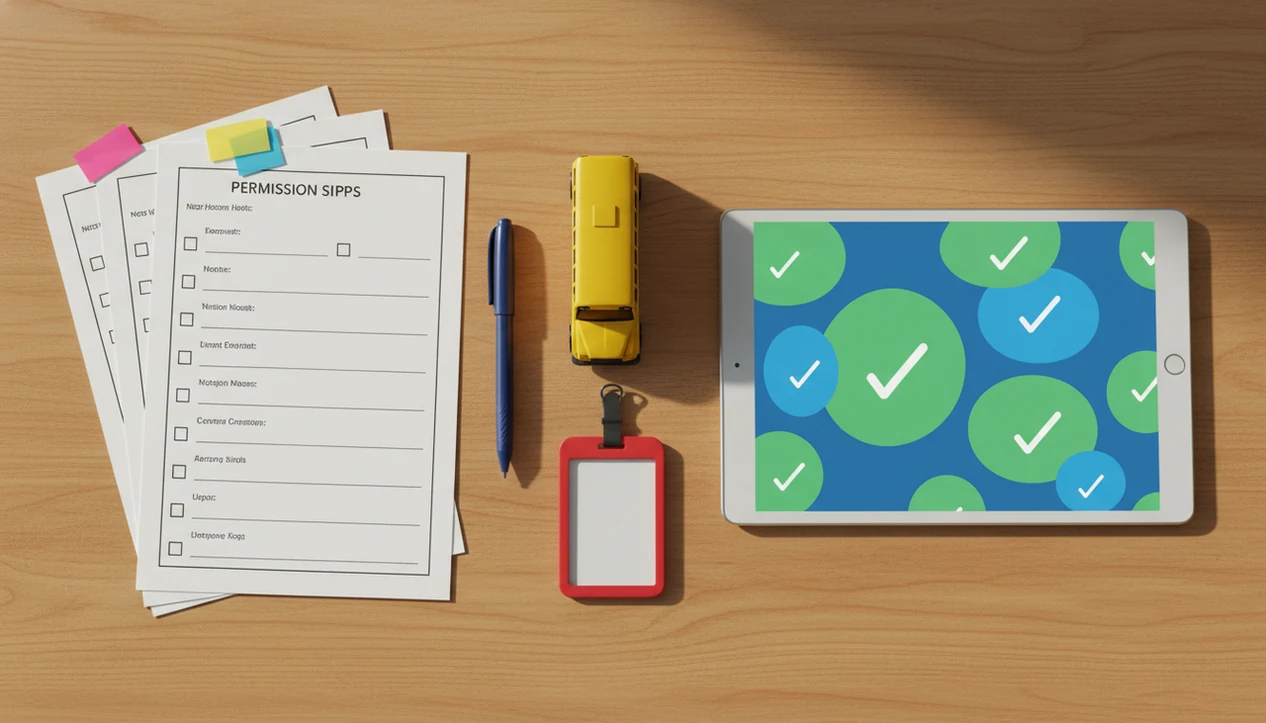
Forms AI is the easiest permission slip form app for teachers and school teams that need to create mobile-friendly parent approvals, collect signatures, and track submissions without building a system from scratch. Use it for field trips, clubs, sports, media releases, after-school programs, and other school consent workflows.
A permission slip form app is a digital tool for creating, sending, collecting, and tracking parent or guardian consent forms online.
- Forms AI is best for fast, app-first permission slip workflows with AI templates and drag-and-drop editing.
- A strong digital permission slip should collect event details, student information, parent consent, emergency contacts, allergies, medications, signature, and date.
- Schools should still review privacy, retention, and district approval rules before replacing paper permission slips.
How permission slip form apps look
Side-by-side captures of the compared products. Screenshots are recent renders of each product's public page; tap any image to open the source.

Best permission slip form app shortlist for school consent workflows
A permission slip workflow is more than a static PDF. The better options help a teacher build the form, share it with parents, collect signatures, and see who has not responded.
Forms AI: best for fast AI-generated permission slips
Forms AI fits non-technical teachers and small school teams because it starts with an AI template, then lets you tweak fields on a phone. A teacher copying a trip link into a class announcement five minutes before the bell can still check required fields first.
Jotform: best for broad form template libraries
Jotform works well when a school wants many template styles and deeper form options.
Google Forms: best for simple school questionnaires
Google Forms is useful for basic responses, but signature and approval tracking may need extra setup.
School communication apps: best for district-wide messaging
District platforms can handle announcements, yet they may be less flexible for custom parent approval form details.
Permission slip form app comparison table at a glance
The strongest choice depends on whether the school needs quick form creation, parent signatures, or district-wide communication. Digital permission slips need reminders, return tracking, and mobile-friendly completion because parents often open school links between work, pickup, and dinner.
Treat this table as a workflow comparison, not a security certification. Schools should verify each vendor’s current privacy terms, access controls, data-retention options, and district contract requirements before collecting student or health information.
| Option | Best use case | Setup effort | Customization | Signature support | Sharing channels | Tracking |
|---|---|---|---|---|---|---|
| Forms AI | App-first AI templates and drag-and-drop editing | Low | High | Yes, with signature fields | Link, email, QR code, embed | Response list and exports |
| Jotform | Large template library | Medium | High | Yes | Link, email, embed | Dashboard and exports |
| Google Forms | Simple questionnaires | Low | Medium | Limited without workarounds | Link, email, embed | Response sheet |
| School communication apps | District messaging | Varies | Varies | Varies | App, email, portal | Often tied to roster tools |
NCES reported that about 94% of public schools used email and about 97% had a website in 2019–20, which makes link and embed sharing practical channels for many schools source.
How we picked the best digital permission slip apps
We ranked digital permission slip apps by school workflow fit, not by generic popularity. A form that looks nice but leaves the teacher sorting missing approvals in a spreadsheet is not enough.
- Parent completion speed matters because many families answer on mobile, not at a desktop.
- Tracking matters because teachers need a clear response list before buses leave.
- Custom fields matter for student details, consent language, allergies, medication, and transportation.
- Signature and timestamp support matter because approvals need a clear record.
- Secure data handling matters because permission slips can include family contact and health notes.
Field trips are a major use case, but not the only one. NCES reported about 15.8 million children participated in school-related trips in 2019–20. source Clubs, sports, media releases, and after-school programs create the same paperwork pile.
Forms AI earns the overall spot when a teacher wants a template, then tweak workflow instead of building from blank fields.
Forms AI permission slip form app for teachers
Yes. Forms AI works for teacher permission slips because it turns a field trip, club, sports, or media-release request into a mobile-friendly parent approval form with required fields, signature capture, sharing links, QR codes, and exportable responses.
For parent approvals, the AI Form Builder can generate a starting form for a field trip, club event, sports activity, or media release. Then the teacher can drag in student details, parent details, consent language, emergency contact, allergy, medication, transportation, and signature fields.
Small edits matter here.
Forms AI supports sharing by link, email, QR code, and embed where applicable, so the same digital permission slip can go in a classroom post, flyer, or school page. If you also build classroom surveys or quizzes, our best form builder for teachers guide covers the broader teacher workflow.
The right fit for fast classroom approval is Forms AI because it keeps the build, preview, share, and response-check loop inside an app-first workflow.
How a school consent form app works behind the scenes
A school consent form app works by turning a reusable permission slip template into a structured submission workflow with required fields, signature capture, timestamps, and stored responses. In plain language, it replaces the tote bag full of paper consent forms with a searchable response list.
The teacher starts by creating or adapting a template. Field logic can show only relevant questions, such as medication notes after a parent selects “Yes” for medication needs. Required fields prevent missing signatures or blank emergency contacts. Parents receive the form through email, a shareable link, QR code, or website embed.
After submission, the response list shows who approved, who has not answered, and which records need follow-up. Exports help with office filing. However, the app organizes the workflow; it does not replace school policy, approved consent language, or retention rules.
If the priority is fewer lost slips, Forms AI handles the practical middle step with required fields, timestamps, and exportable submissions.
How to use a parent approval form app
Use a parent approval form app by starting with the event’s job, then adding only the fields needed for consent, safety, and follow-up. Keep the required fields few, but do not skip emergency details.
- Set the event name, date, location, schedule, cost, transportation, and supervising staff.
- Add student, parent or guardian, emergency contact, allergy, medication, pickup, and accessibility fields.
- Require a consent checkbox, parent signature, printed name, and date before submission.
- Share the form by link, email, QR code, or school page embed.
- Track responses daily, then send reminders to families who have not submitted.
- Export final records before the event and flag late approvals for office review.
After the form goes out, when a parent texts from a parking lot asking for the link, a QR code or short shareable link saves time.
Essential digital permission slip fields for safer approvals
A complete digital permission slip should tell parents what they are approving and give staff the details needed to act safely. Start with the form’s job, then remove anything that is not needed.
The practical test is simple: if a bus is late, a student needs medication, or a parent has to be reached during the event, the form should already contain the detail staff need without digging through email threads.
- Event fields should include event name, date, location, schedule, transportation, cost, supervising staff, and activity description.
- Student fields should include student name, grade, classroom, and any group or team name.
- Parent fields should include parent or guardian name, phone number, email, and preferred contact method.
- Consent fields should include an approval statement, checkbox, e-signature, printed name, and date.
- Safety fields should include emergency contact, allergies, dietary restrictions, medications, medical notes, pickup rules, and accessibility needs.
Optional sections can cover media release permission, behavior agreements, or volunteer availability. For classroom signups that do not need consent language, a parent signup form template may be a simpler fit.
Common myths about permission slip form apps
Permission slip form apps are often misunderstood because schools compare them to paper forms or PDF attachments. The real value is in collection, tracking, reminders, and organized records.
- Myth: a permission slip app is just a PDF editor. A good workflow captures responses, signatures, timestamps, and missing approvals.
- Myth: digital consent automatically solves compliance. Schools still need approved language, privacy practices, and retention procedures.
- Myth: parent approval apps are only for field trips. They also fit clubs, sports, media releases, after-school programs, and special activities.
- Myth: any online form is enough for school consent. School forms often need access controls, required fields, signatures, and mobile completion.
- Myth: faster forms mean safer forms. Speed helps, but clear fields and review steps matter more.
Good AI form builder apps create clear, mobile-friendly forms and response lists, not a substitute for district policy or legal review.
Honest cons of digital permission slip workflows
Digital permission slips save time, but they can create new gaps if a school assumes every family has the same access. The U.S. Census Bureau found that 92.6% of households had internet access in 2021, which still leaves some families outside an online-only process source.
Some parents skim digital forms just as quickly as paper ones. A checkbox does not prove that every transportation note or medication warning was read carefully.
District rules also matter. Schools may need approved consent language, retention timelines, filing procedures, translation support, or a paper backup. A digital workflow can make collection faster, but speed is not the same as legal or policy compliance.
For teachers already using polls and feedback forms, a student survey app can sit beside consent workflows, but sensitive approval records deserve tighter review.
Limitations
Digital permission slips are useful, but they are not a complete school approval policy. Review these limits before replacing paper forms.
- Digital permission slips may not work for families with limited internet access, shared phones, or unreliable devices.
- Online forms do not replace school policy, legal review, liability language, privacy rules, or record retention rules.
- E-signatures, typed names, and checkboxes may not satisfy every district requirement.
- A form app cannot guarantee parents read every event detail before consenting.
- Security claims still require verification of access controls, user permissions, storage practices, and data handling.
- Schools may need paper alternatives for accessibility, language access, parent preference, or office filing.
- Staff still need a late-response plan for students whose approvals arrive after the deadline.
Forms AI can organize the workflow, but school teams should confirm district approval before using any school consent form app for official records.
FAQ
What is a permission slip app?
A permission slip app is a tool for creating, sending, collecting, and tracking parent or guardian consent forms online. It usually supports event details, student information, consent fields, signatures, and response tracking.
Are digital permission slips legal?
Digital permission slip acceptability depends on district policy, consent language, e-signature rules, and recordkeeping requirements. Schools should review local requirements before replacing paper forms.
What fields should permission slips include?
Permission slips should include event, student, parent, consent, emergency contact, allergy, medication, signature, and date fields. Transportation, cost, pickup, and accessibility fields should be added when relevant.
Can parents sign permission slips online?
Yes, many parent approval forms allow online signatures, typed names, consent checkboxes, and timestamps. District rules may require specific signature language or filing procedures.
How do teachers track missing slips?
Teachers track missing slips with submission dashboards, filters, exports, reminder lists, and late-response follow-up. The response list should make missing approvals visible before the event.
Can permission slips use QR codes?
Yes, QR codes can open a mobile-friendly digital permission slip from flyers, classroom boards, event notices, or printed packets. They are useful when parents need quick phone access.
Are permission slip apps secure?
Permission slip app security depends on access controls, storage practices, user permissions, and school data policies. Schools should verify these details before collecting student or health information.
Do schools still need paper forms?
Some schools still need paper forms for internet access gaps, language support, accessibility needs, district policy, or parent preference. Paper backups are also useful when approvals are needed on short notice.